
Get help when you need it
When something is unclear or broken, you have three routes, and they are worth using in order. For most questions, asking your team in Interact is the fastest way to an answer.
Find an answer#
Click Help in the left sidebar. On mobile, tap the menu icon in the top-left corner first.
The Help page lists answers to the most common questions, grouped by category - account, billing, platform features, and troubleshooting. Click any question to expand the answer.
Open Interact and type your question. Your team has your business context, your sources, and the platform documentation, so questions like “How do I add a team member?” usually get an immediate answer.
Strategy questions, complex issues, and anything that benefits from talking it through are best handled live - book a call with your FDE.
You should now have an answer or a clear next step: an expanded FAQ entry, a Chat thread with a response, or a booked session with your FDE.
Why asking your team is the fastest route
Your team already knows your business context, your sources, and the platform documentation, so it answers most how-to and status questions instantly, with no queue. When a question genuinely needs a human, it flags the thread for your FDE rather than guessing, so starting there never costs you time.
Detailed FAQ in these docs#
For fuller written answers than the in-portal FAQ, see:
- General FAQ - the most common questions about the platform
- Troubleshooting - problem, likely cause, and fix for known issues
- Data and privacy - how your data is stored, protected, and deleted
Contact options#
If you need to reach the Advizr team outside the platform:
- Email - Send a message to your FDE directly. Their email is listed in the Book a Call section.
- Interact - Start a new thread with your question.
- Book a call - Schedule a dedicated session.
Response time expectations#
Answers are typically instant for questions your team can handle directly. For questions that need human input from your FDE, expect a response within one business day. Urgent issues are flagged and prioritized.
Book a CallIf something goes wrong#
- No human response after one business day. Reply in the same thread to bump it, or book a call - booked sessions go straight onto your FDE’s calendar.
- An FAQ answer does not match what you see in the portal. The platform evolves, and occasionally an answer lags behind. Trust what is on screen and flag the mismatch in Interact so it gets corrected.
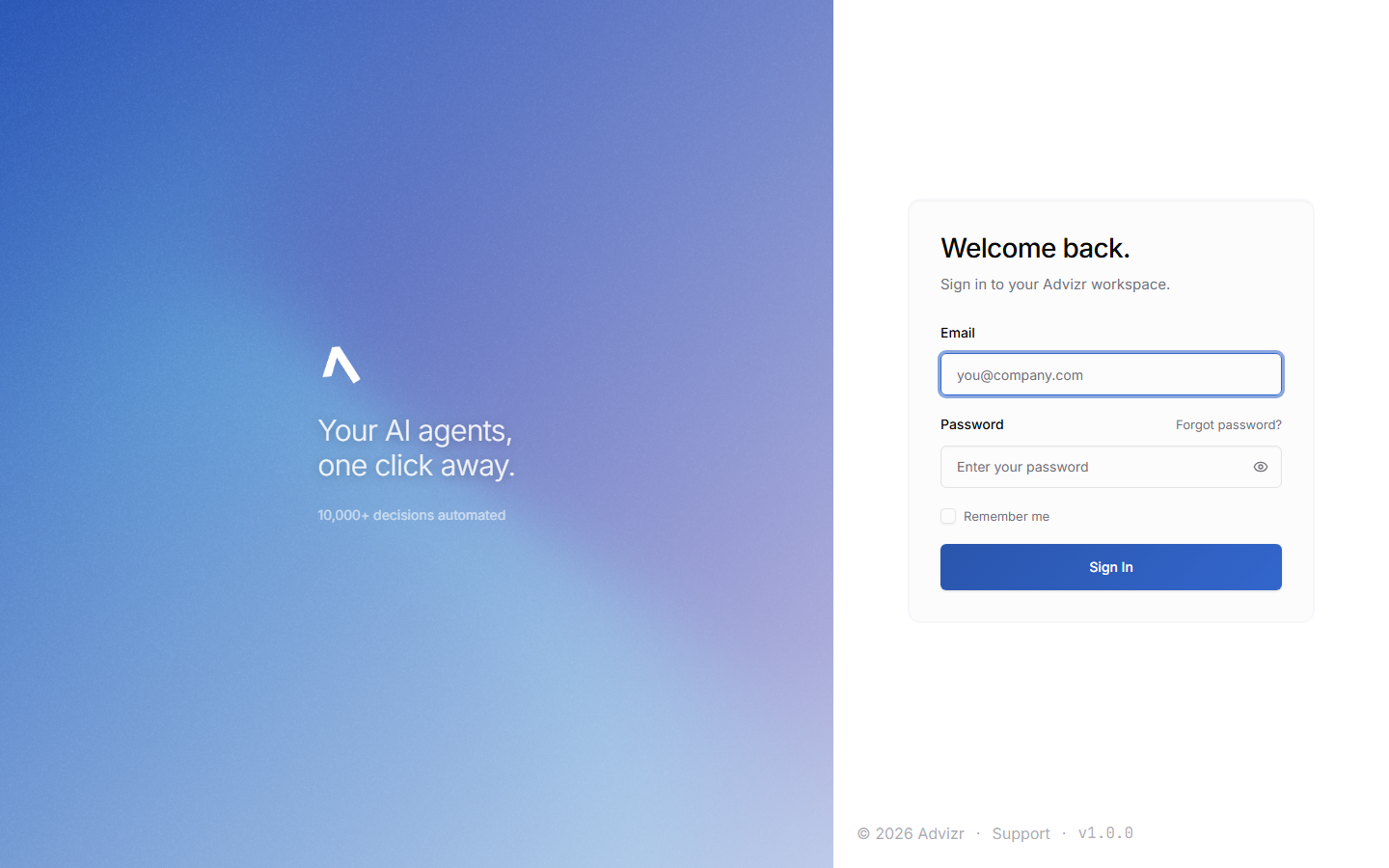
- You cannot sign in, so Interact is unavailable. Use the password reset link on the sign-in page - see Login and security. If reset fails, email your FDE directly.
Still stuck? Message your FDE in Interact with your browser, a screenshot, and when it happened.