
Workflows
A workflow is a repeatable piece of work your team can run on demand or on a schedule. There are two kinds, and they live side by side.
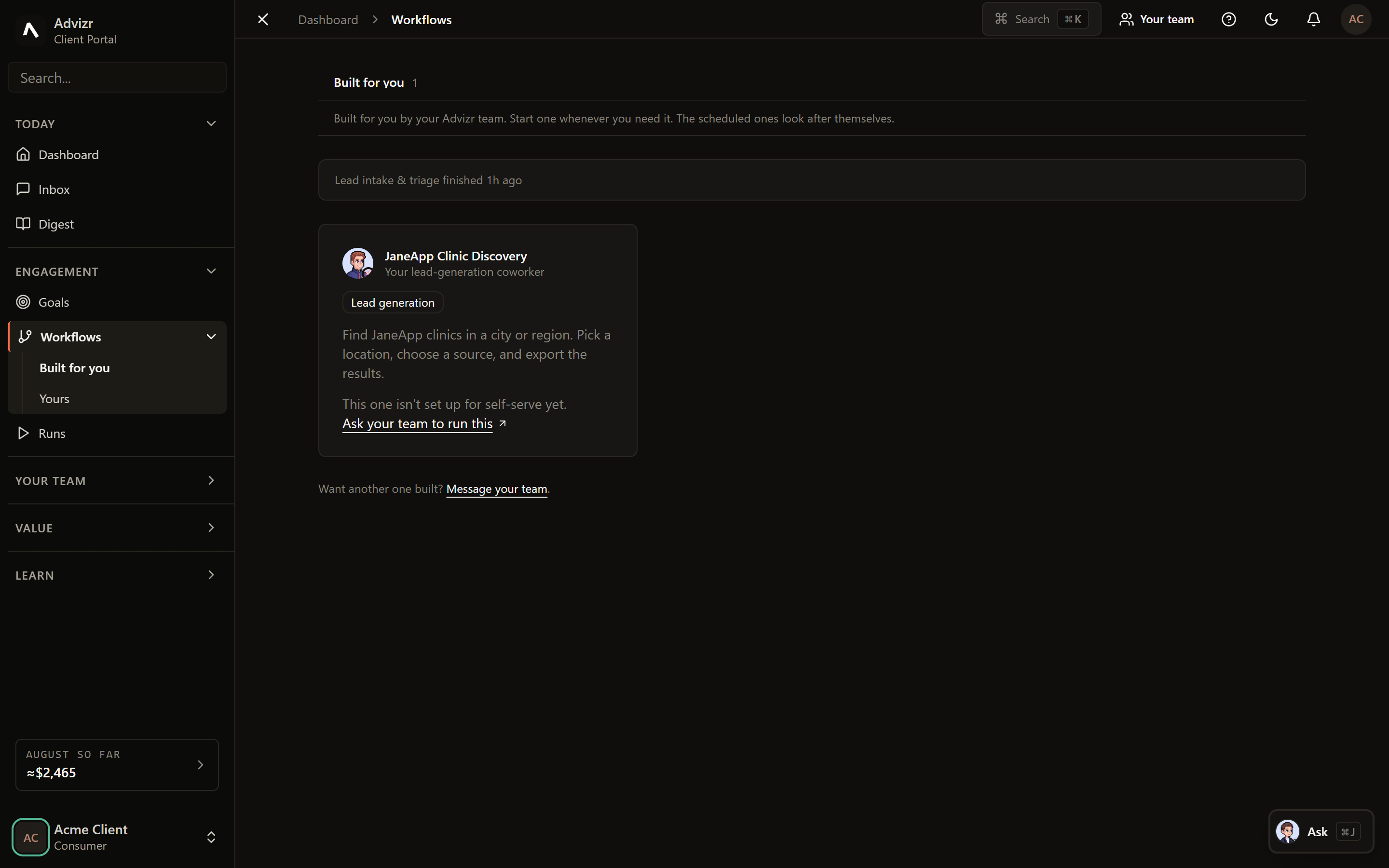
Built for you#
These are the workflows Advizr designs, builds and maintains as part of your engagement. They are the systems named in your scope: the lead pipeline, the triage flow, the weekly digest assembly, whatever your build covered.
You run them, watch them, and give feedback on the output. You do not have to maintain them, and an upgrade to one arrives without you doing anything.
Yours#
The Yours tab is your own builder. You describe the outcome you want in plain language, and the platform proposes a workflow to do it, which you then edit before it goes live.
Start from what you want to be true at the end, not the steps. The builder proposes the steps.
You get a draft workflow you can read. Every step says what it does and what it touches.
Steps can be changed, removed or reordered before anything runs.
Publishing arms the workflow. If it has a trigger, the platform tells you plainly whether that trigger will actually fire.
A workflow that will never fire is the most expensive kind, because it looks finished. When you publish, read the line that says whether the start condition can trigger. The platform states it explicitly rather than leaving you to find out.
Running one and watching it#
Opening a workflow shows its run history and its current state. A run in progress can be watched step by step, and a finished run can be replayed to see what happened at each stage.
Every run lands in Runs with the full record, so the workflow view is for the workflow, and the run view is for the evidence.
If something goes wrong#
- The workflow ran but nothing happened. Open the run and read the step that ended it. Failures name what was missing in plain words rather than a stack trace.
- A trigger never fired. Open the workflow and check the start condition line. Paused schedules and unarmed triggers are called out there.
- The output was wrong rather than absent. Give feedback on the run itself. That is what tunes the workflow, and it is faster than describing it second-hand.
- You want a workflow changed that Advizr built. Ask in Interact. Built-for-you workflows are maintained by your FDE.