
Log in to your account
Your Advizr account is secured by our authentication provider. You sign in with your email and password at advizrclients.com. Your credentials are stored in a master authentication database, while your organization’s business data lives in a separate, isolated database.
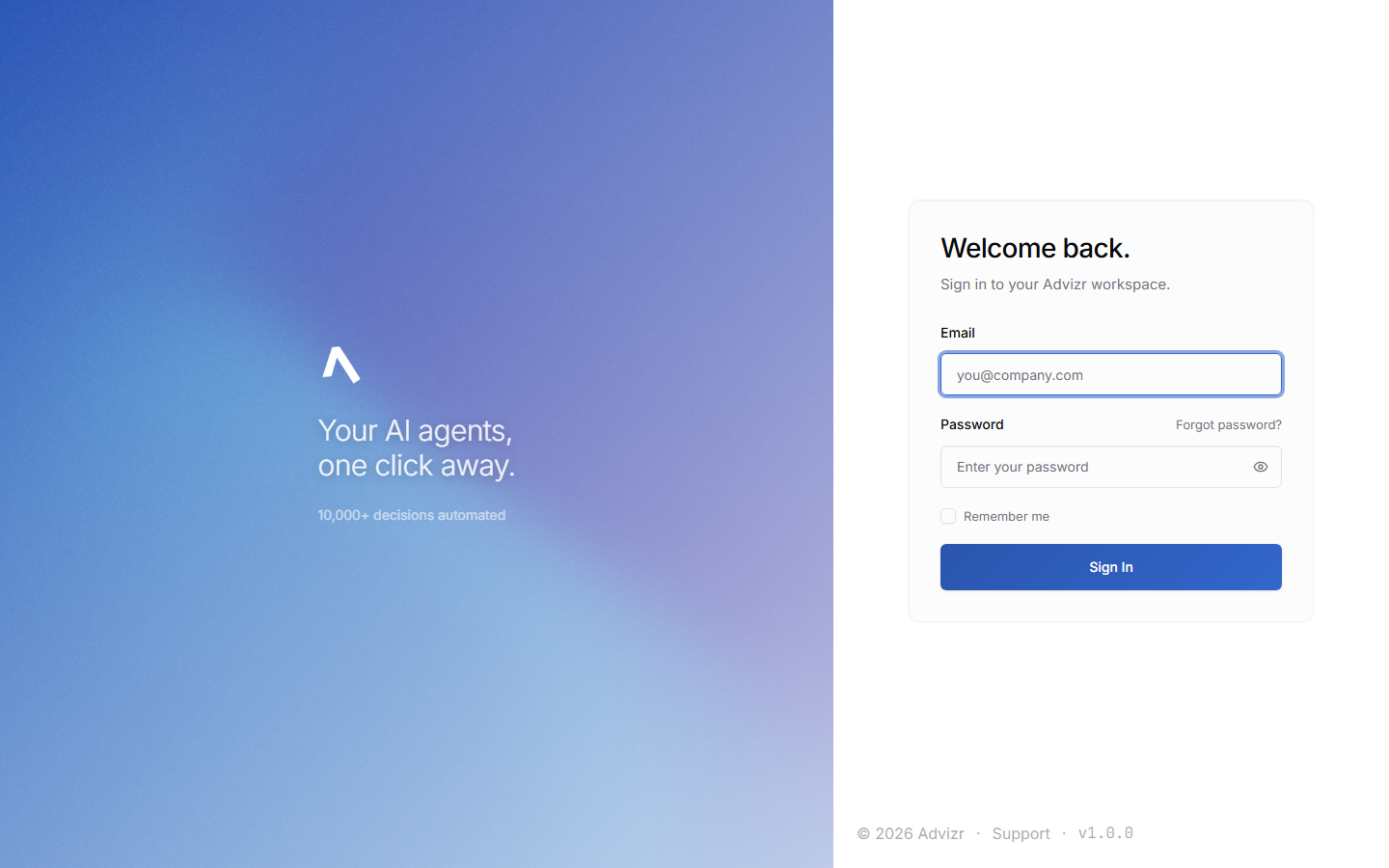
Log in#
Use any modern browser — Chrome, Firefox, Safari, or Edge. On mobile, use your phone’s browser and add the page to your home screen for quick access.
If your organization has multiple team members, each person signs in with their own credentials.
After authentication, you’re redirected to your organization’s dashboard.
You should now see your Dashboard, with the rail on the left grouped into Today, Engagement, Your team, Value and Learn. Only Today is expanded when you arrive.
Reset your password#
If you’ve forgotten your password, reset it from the login page.
The link sits below the password field on the login page.
Type the email address associated with your account and click Submit.
You’ll receive an email with a password reset link. Click it to set a new password.
Choose a strong password and confirm it. You’re redirected back to the login page.
You should now be able to sign in with your new password.
Password reset links expire after one hour. If your link has expired, request a new one from the login page.
How sessions work#
When you log in, the platform creates a session token that lasts 24 hours. The session renews automatically while you’re actively using the platform, so you’re only prompted to log in again after extended periods of inactivity.
How your account is secured#
The platform uses several layers of security:
- HTTPS encryption — all traffic between your browser and the platform is encrypted in transit
- Encrypted storage — passwords are hashed and never stored in plain text
- Isolated databases — your login credentials are stored separately from your business data
- Role-based access — each team member sees only what their role allows (see Roles and permissions)
Why credentials and business data live in separate databases
The platform uses a dual-database architecture. A master authentication database handles logins, while each organization’s business data — documents, conversations, goals, and activity — lives in its own isolated database. Even if you access multiple services, your business data stays in your organization’s database, separate from every other client.
Browser support#
The platform supports the latest two major versions of Chrome, Firefox, Safari, and Edge. Internet Explorer is not supported. For the best experience, keep your browser updated.
If something goes wrong#
- You can’t log in. Double-check your email address, then use Forgot password to reset. If you still can’t get in, email your FDE directly for a manual reset.
- The reset email never arrived. Check your spam folder, and confirm you entered the email address your account was created with.
- The reset link doesn’t work. Links expire after one hour — request a fresh one from the login page.
- You were logged out unexpectedly. Your 24-hour session expired. Log in again. If it keeps happening, clear your browser cache.
Still stuck? Message your FDE in Interact with your browser, a screenshot, and when it happened.